






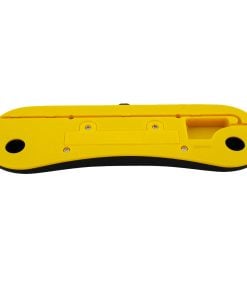
Rubik’s Speed Timer & Mat
49.99 €
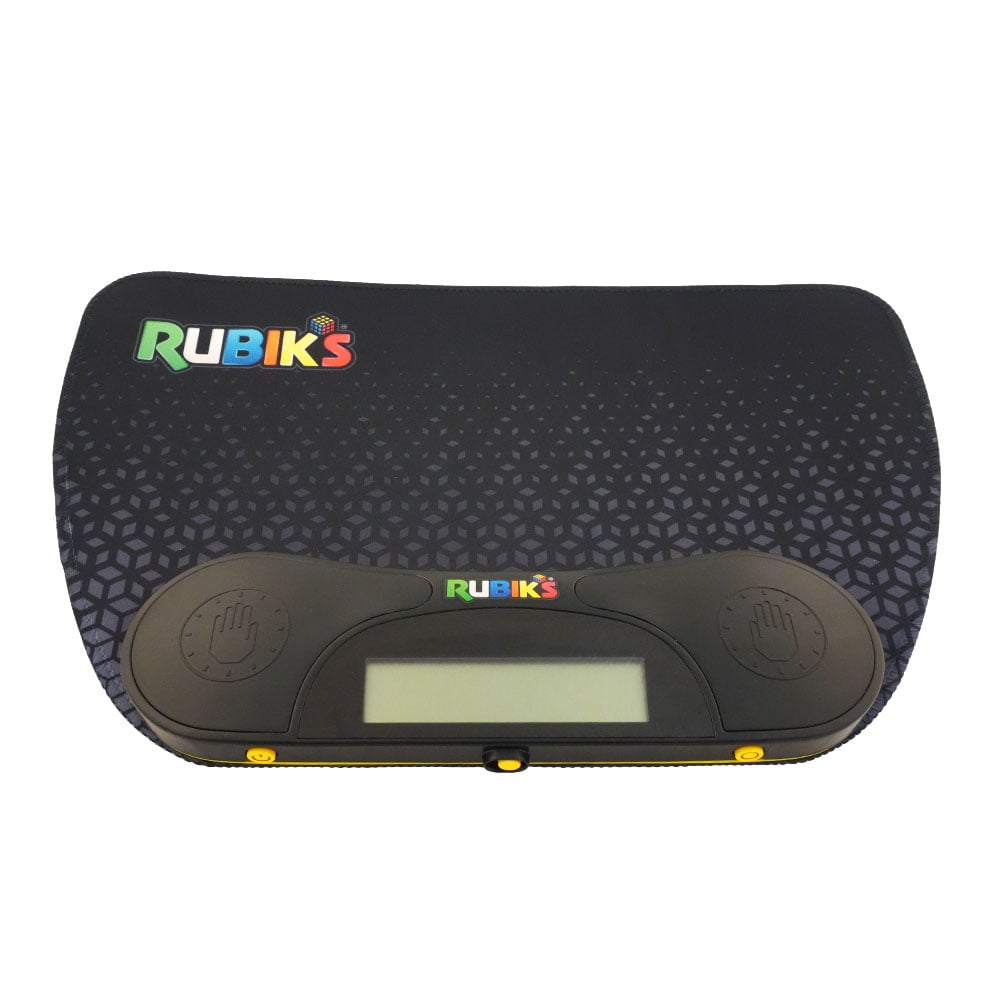
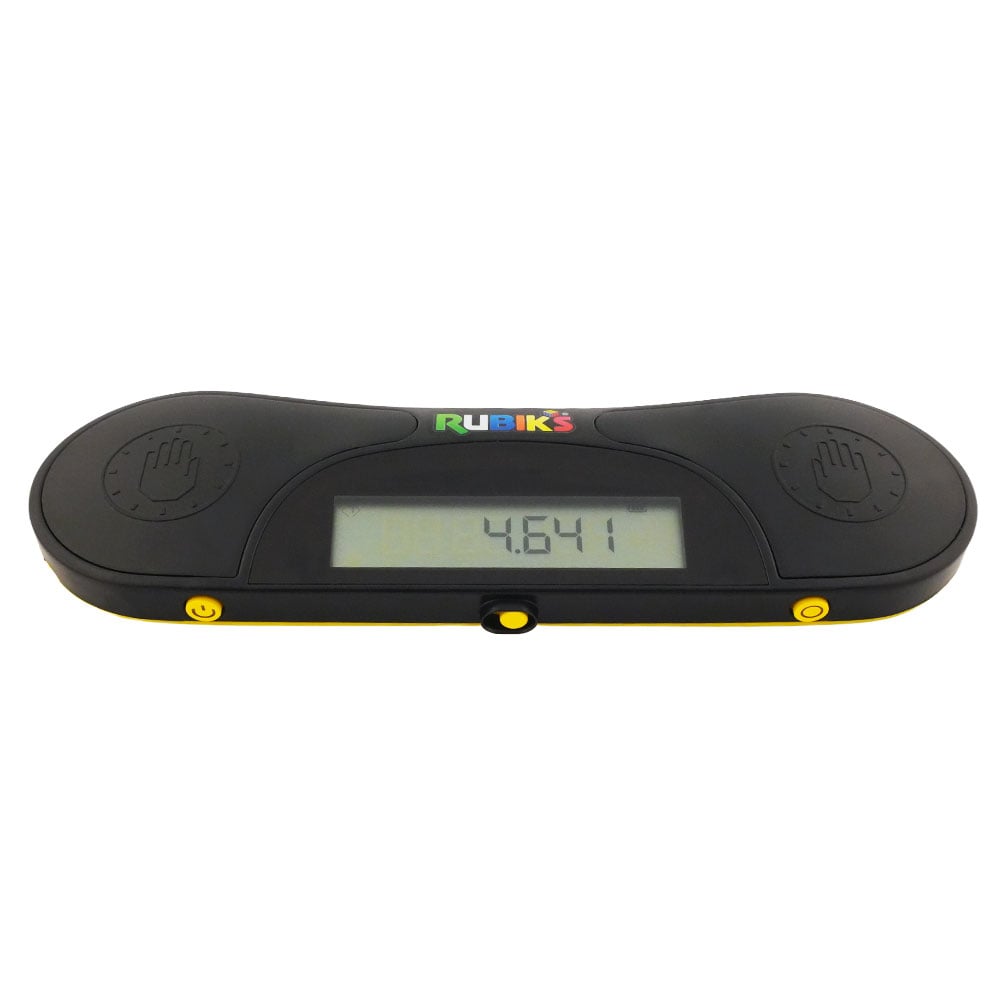
For the first time, the manufacturer of the classic Rubik’s cube is releasing its own timer with the Rubik’s Speed Timer & Mat package! It’s perfect for those who want to time their solves, and works just like the timing equipment used at Rubik’s cube and speedcubing competitions. The timer measures times down to thousandths of a second, and the included mat perfectly cushions the impact of your puzzle on the table when the timing is to be stopped. Read more below!
In stock





The Rubik’s Speed Timer & Mat comes in a stylish black box and includes the timer and mat as well as two replaceable AAA batteries.
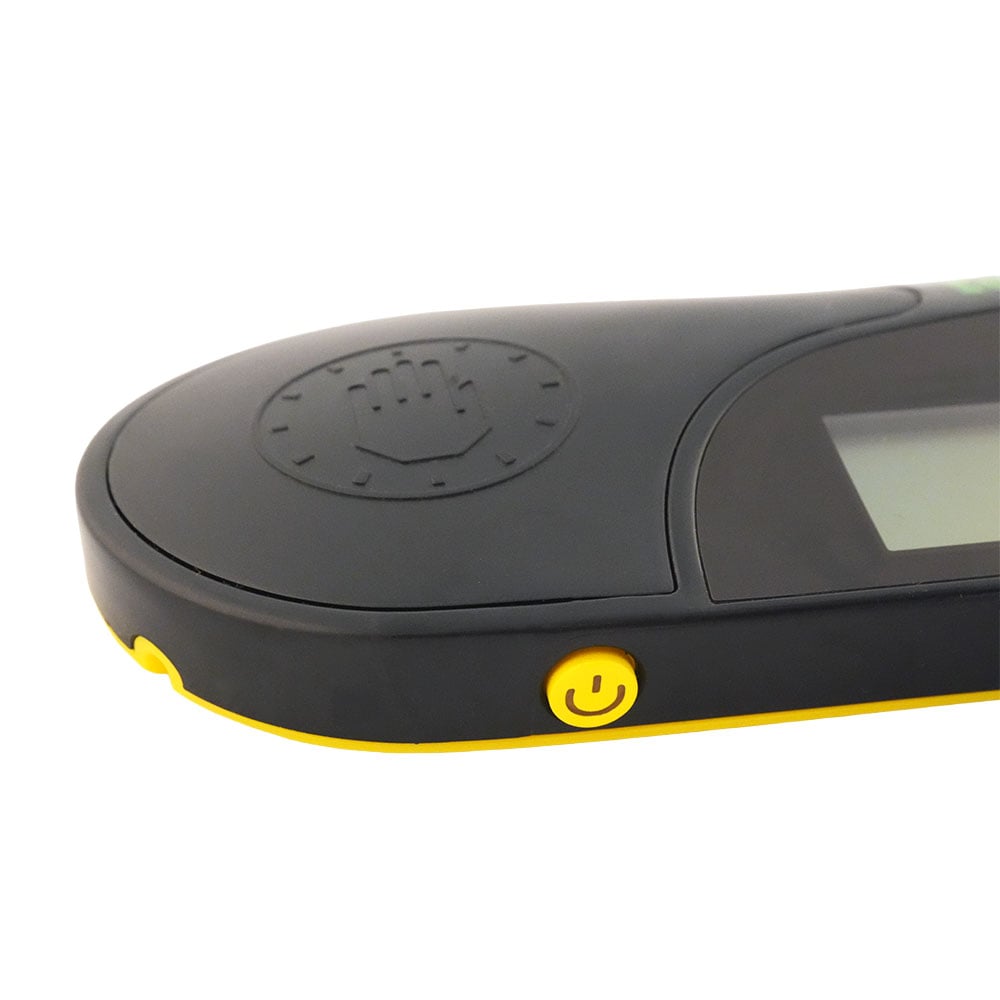
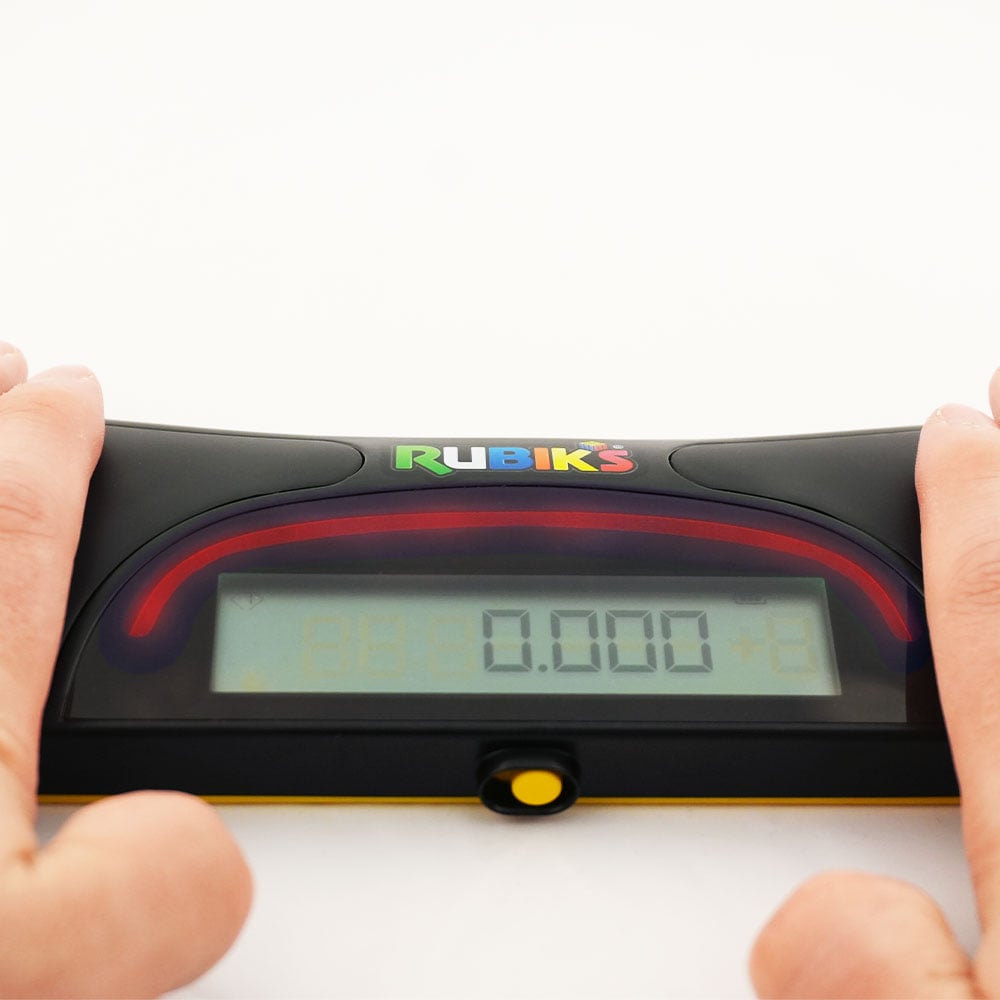
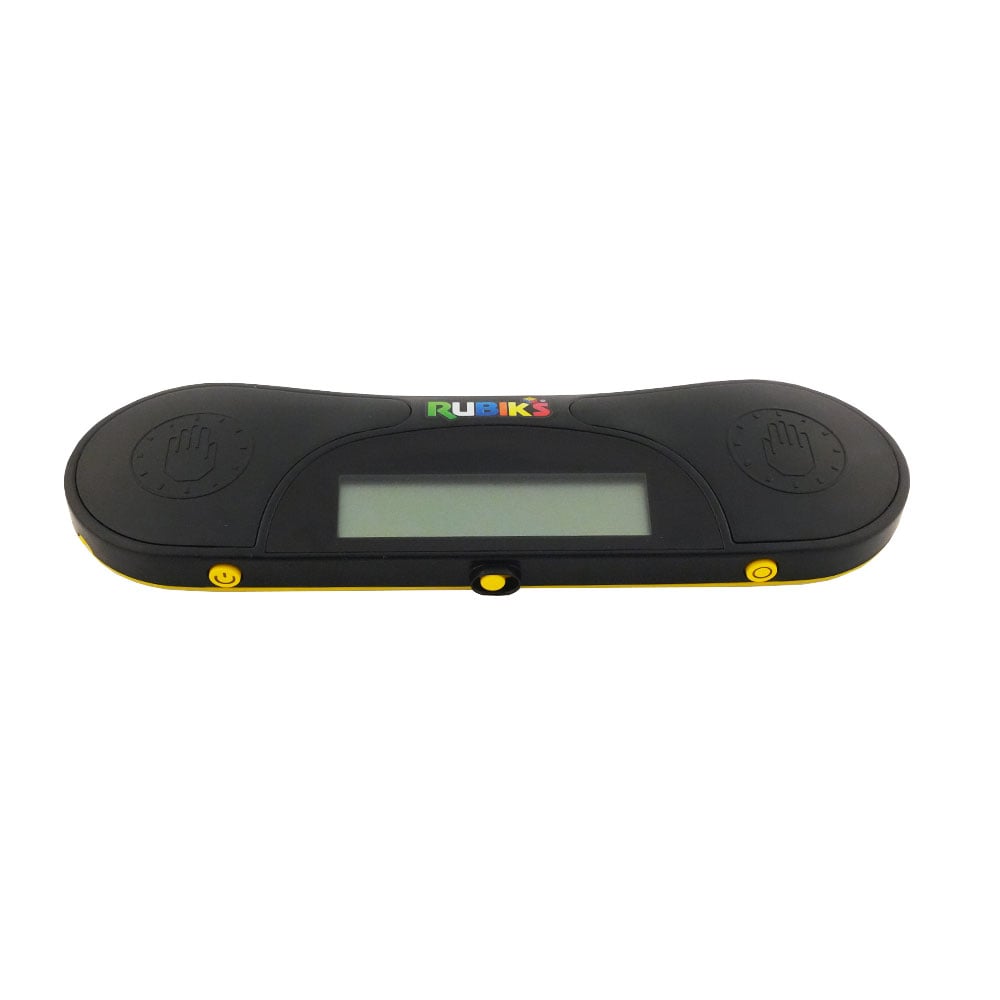
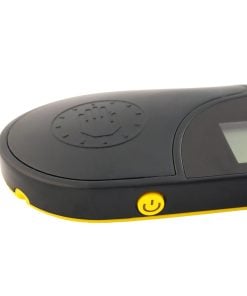
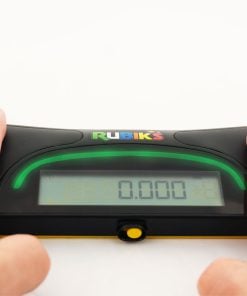
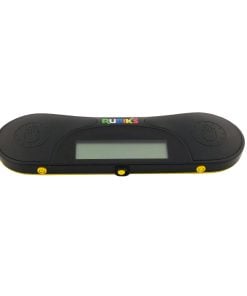
The timer is turned on by the on/off button next to the left sensor. Starting the timer is very easy: place the cube on the mat and rest your fingers on both sensors for about half a second. When the red light changes to a green one, it is a sign that you can lift your fingers to start the time. Then, just pick your puzzle up and start solving it as quickly as possible! When you are finished, throw the puzzle down on the mat and stop the timer in the same way, with your palms facing down. The easy-to-read screen will then display your time. When you are ready for the next attempt, just reset the timer again using the reset button located below the right sensor.
Rubik’s Speed Timer has taken a lot of inspiration from the procedures at speedcubing competitions, and is introducing an inspection mode with this timer! You change the mode with the lever located below the timer screen. With the inspection mode on, you first start an inspection phase in the same way as you usually start the timing. Just like in a competition, you get a warning when eight and twelve seconds of inspection time have passed, here in the form of the light strip changing color to yellow and red respectively. When you are ready to start solving, you start the timing in the same way as above, which must be done before 15 seconds have passed to avoid penalties. If you start the timing between 15 and 17 seconds, a two-second time penalty will be added to your final time. After 17 seconds, you can no longer start the timing, and the solve will be disqualified (“DNF”, “did not finish”).
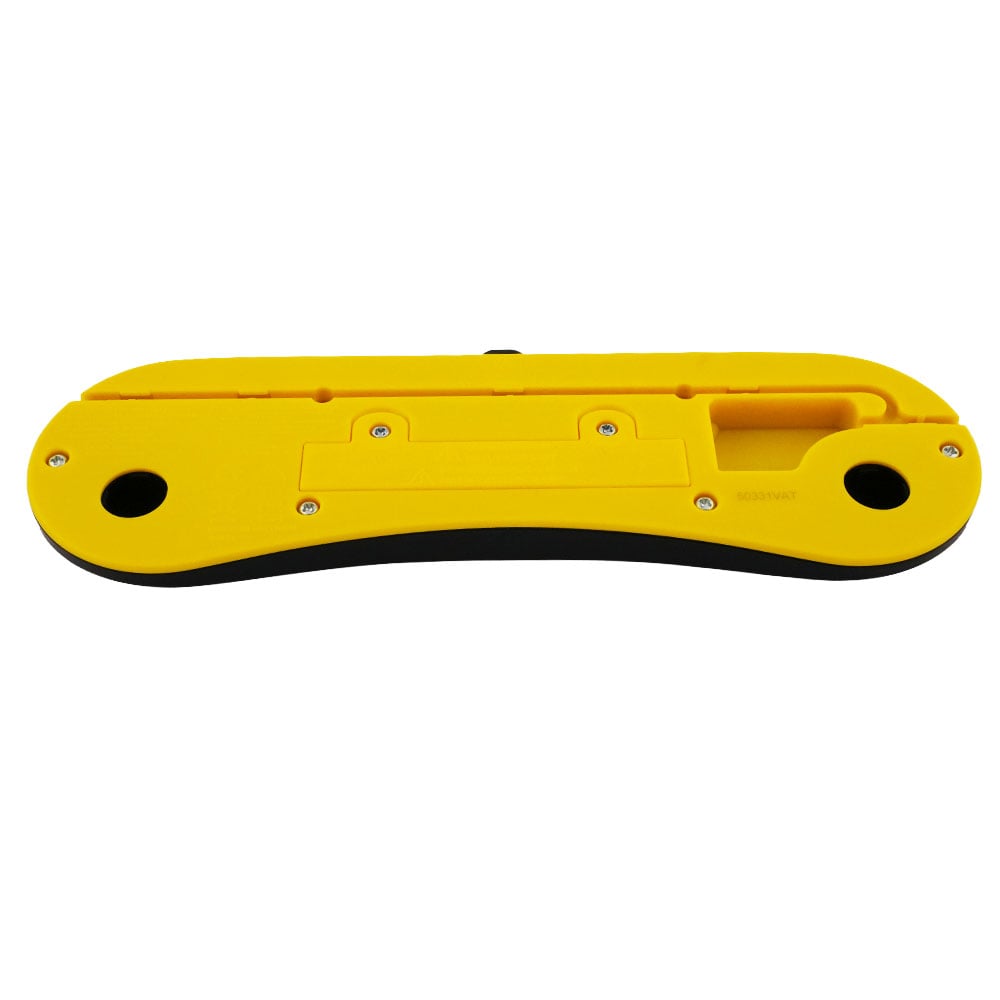
The smart features don’t end there, as this timer also has a battery indicator, so you don’t have to worry about the timer dying in the middle of an important solve! Unlike many other speedcubing timers, this one can time all the way up to 100 minutes, perfect for those who like to solve large and difficult puzzles – or maybe solving puzzles blindfolded? The timer does not include a display (or a cable to connect to one), but is capable of being connected to one using the port under the timer.
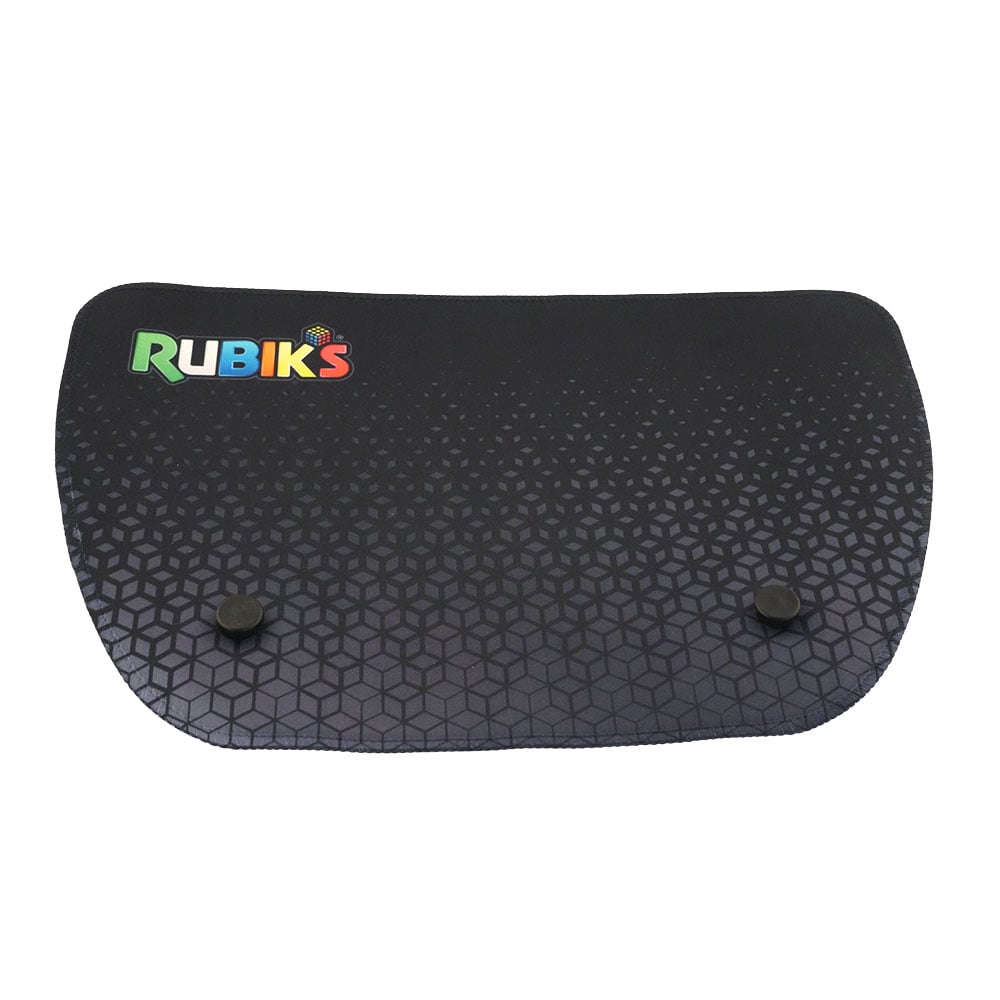
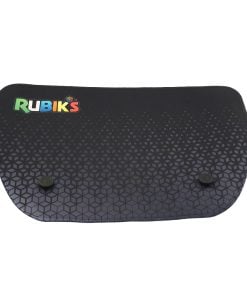
The timer is easily attached to the included mat using the brackets on the mat and the holes under the timer. The stylish mat measures just over 34×22 cm and is made of durable neoprene rubber that will last a very long time.
| Weight | 717 g |
|---|---|
| Dimensions | 267 × 267 × 51 mm |
| Weight (without packaging) | 274 g |
| Dimensions (without packaging) | 340 × 220 × 22 mm |
| Release Date | 2025-08-06 |
| Magnetic | No |
| SKU | 217387 |
Price
Find more information in our terms of sale.
Right of withdrawal applies provided that the item and its packaging are in unchanged condition, i.e. you may inspect it and make sure everything is ok.
Returns may only be made after agreement. On returns because of a change of heart, the shipping cost is paid by the customer. We offer return shipping labels. The original shipping cost is not refunded.
More information can be found in our terms of sale.
Many of our products are consumables and the warranty for these products only applies to manufacturing defects. Normal wear and tear damage is outside the warranty, as well as damage caused by physical overload, modifications and tricks.
More information can be found in our terms and conditions.


